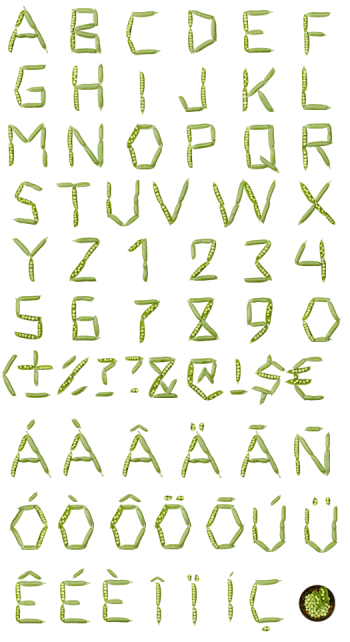
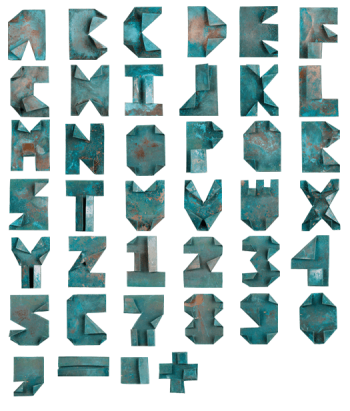
Cowberry Font combines photographed red berries with leafy green stems for lettering that feels freshly gathered. Its slender, irregular characters bring a botanical touch to recipe pages, jam labels, seasonal packaging and book covers. Use the colour OpenType version in compatible software, or compose your own words with 72 transparent PNG files. A little woodland detail, without the muddy shoes.
Red Berries, Green Leaves, Real Detail
Cowberry Font arranges photographed berries, stems and leaves into a delicate botanical alphabet. Rows of glossy red fruit trace the curves, while leafy twigs give the letters their uneven, natural rhythm. Some berries are deep crimson; others carry softer pink highlights. That variation keeps the lettering lively rather than mechanically repeated. It feels closer to a carefully arranged forest gathering than a conventional typeface, with every leaf allowed a little breathing room.
A Fresh Ingredient for Editorial Design
Use this berry lettering for jam labels, recipe features, seasonal menus or a book about foraging. A single oversized initial can introduce a chapter without needing a separate illustration. Short titles also suit market posters and food packaging. White, cream and pale blue backgrounds let the red berries stand out clearly. Keep small supporting copy in a plain font: ingredients are easier to read when they are not all made of ingredients.